How it works
Open. Tap. Talk. Done. Leave.
Smart Rant is built around one moment: when you need to say something somewhere, right now. Everything else happens after you've gone.
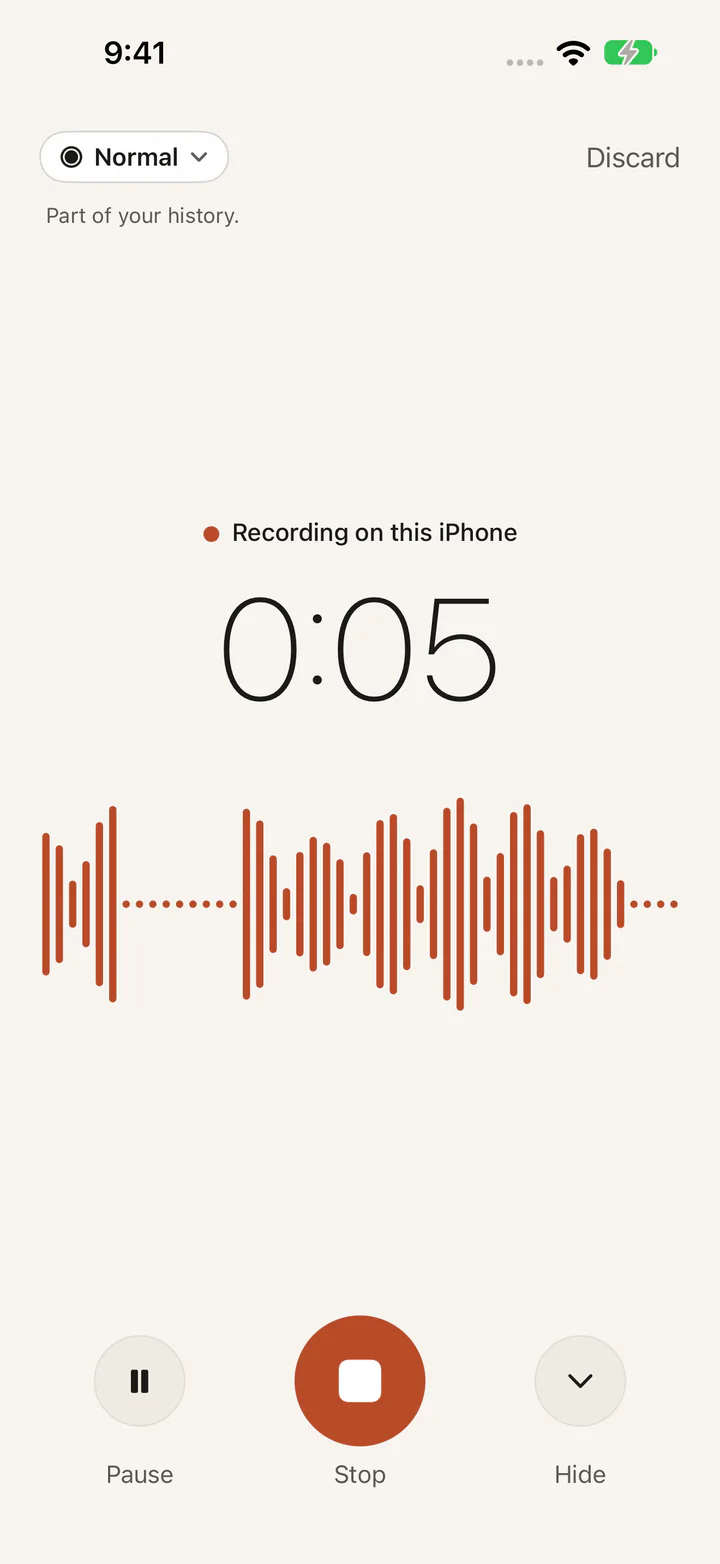
1. Say it on your iPhone
The iPhone app opens to one clear place to talk. There are no prompts, titles, tags or moods to fill in. Choose a mode if you want to:
- Normal saves the moment and lets it become part of your longer history.
- Private saves the moment and keeps its audio playable wherever you sign in, but keeps it out of patterns, threads, insights, Ask and resurfacing. It is transcribed — and so searchable by its words — only if you allow Private transcription separately in Account.
- Burn is for getting it out. It is never uploaded, never added to your archive and never used for your history.
2. Saved. You can go.
When you tap Done, the recording is saved on your phone first, so a bad connection never loses it. The app doesn't respond, coach or ask you to review anything. You're free to leave.
3. Quiet processing
Cloud processing is off until you turn it on. Once it's on and you're connected, the recording syncs to your private account and is transcribed. Normal moments are then connected to the people, projects and threads you've talked about before. You can watch the state in Past (Uploading, Transcribing, Connecting, Ready), but you never have to wait for it.
4. Your past, with receipts
Past
A calm archive of every moment by day, with audio, transcript and search. It's useful from your first recording.
You
What your history can honestly support. With a few moments, that's narrow and cautious. As real evidence builds up across separate days, you may see things like what keeps coming up, what shifted, or what went quiet. If there isn't enough evidence, Smart Rant says so instead of guessing.
Ask
Ask a question about your own history, like “When did I first start talking about this idea?” Answers are built only from your moments and show receipts: the date and your exact words.
Relive
Play back how a moment actually sounded. Stories connect real moments in order, like the first time you mentioned applying through to the offer, using only your own recordings.
The web companion
Sign in here to record or upload a moment, browse Past, open You, Ask questions, relive moments, and manage your privacy, export and account. Use the same sign-in as the iPhone app and your history is the same in both. Nothing is uploaded until you turn on cloud processing.